
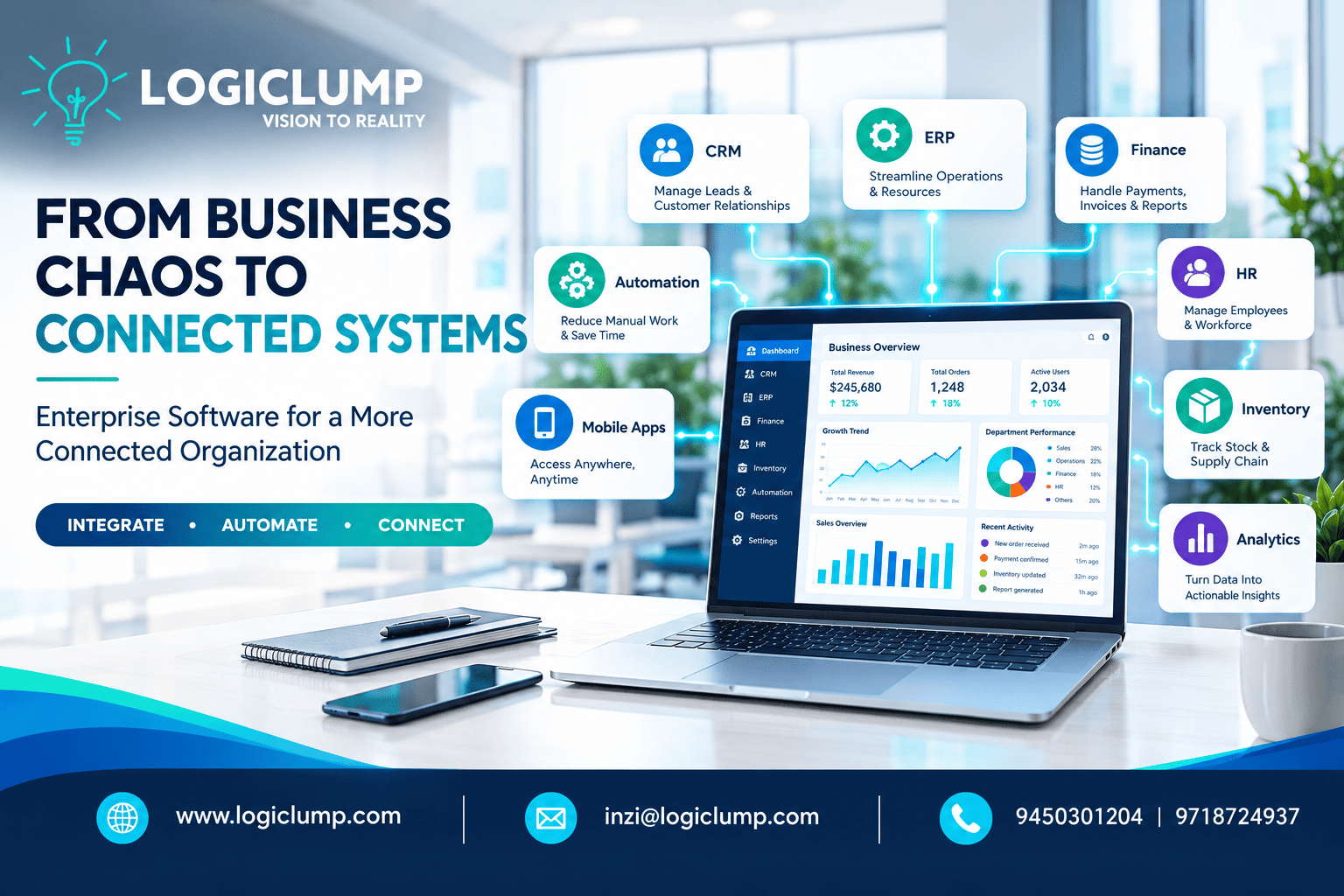
From Business Chaos to Connected System
As an organization expands, its technology environment tends to expand with it.
A simple website can eventually become a CRM. A spreadsheet can turn into an inventory system. A small accounting application can be followed by HR software, customer-support tools, mobile applications, analytics platforms, and several third-party services.
Each addition may solve an individual problem.
But there is a point where having more software can actually create more complexity.
Information becomes scattered across platforms. Employees repeatedly enter the same data. Departments struggle to coordinate their activities. Managers wait for manually prepared reports. Customers may encounter inconsistent information across different touchpoints.
The problem isn't necessarily a lack of technology.
It is a lack of connection between technologies.
This is where modern enterprise software development can make a difference.
When Business Growth Outpaces Technology
Growth introduces new customers, employees, locations, products, processes, and responsibilities.
Technology has to keep pace.
Imagine a growing organization using:
- One platform for leads
- Another for accounting
- A separate inventory application
- Spreadsheets for internal operations
- Email for approvals
- Another system for customer support
- Separate tools for management reporting
Individually, these applications may be useful.
Together, however, they can create digital friction.
An employee may need to retrieve information from one system, copy it into another, wait for approval through email, and then update a spreadsheet before another department can continue the process.
Over time, these small inefficiencies become a significant operational burden.
The Shift From Individual Applications to Connected Systems
Enterprise software is increasingly about connecting business functions rather than simply creating standalone applications.
Consider a typical customer journey:
Inquiry → Lead Management → Sales → Quotation → Approval → Order → Payment → Fulfillment → Customer Communication
When these stages are isolated, employees may need to manually transfer information between them.
A connected system can coordinate these stages through integrations, workflows, APIs, and shared business rules.
The objective isn't necessarily to place everything inside one application.
Instead, businesses can create an ecosystem in which their different technologies communicate with one another.
The Real Advantage Is What Happens Between Systems
The value of enterprise software isn't limited to what an individual screen can do.
Much of its value comes from what happens behind the scenes.
For example, when an order is confirmed, the software could automatically:
- Update the customer's record.
- Check inventory availability.
- Notify the relevant operations team.
- Send required information to finance.
- Generate an order status.
- Trigger customer communication.
- Update management reporting.
An employee doesn't need to perform every step manually.
The system coordinates the workflow while people remain involved where decisions or exceptions require human judgment.
Building a Reliable Flow of Business Information
Information is one of the most valuable resources inside an organization.
But information becomes less useful when it is duplicated, outdated, or difficult to locate.
Suppose a customer's contact details exist in the CRM, accounting platform, support system, and several spreadsheets.
Which version should employees trust?
Enterprise software architecture can help establish clear data ownership and controlled information sharing.
Instead of repeatedly recreating the same record, connected applications can work with appropriately synchronized information.
This can improve consistency across areas such as:
- Customer records
- Orders
- Products
- Payments
- Employees
- Inventory
- Service requests
- Business transactions
The goal is not simply to collect more data.
It is to make reliable business information available where it is needed.
Turning Repetitive Processes Into Digital Workflows
Many organizations still depend on people to remember every step of a business process.
That approach becomes difficult as the organization grows.
Consider an internal purchase request.
A manual process might involve:
Employee → Email → Manager → Finance → Procurement → Vendor
An enterprise workflow could transform it into:
Request → Validation → Approval → Financial Review → Procurement → Completion
The software can determine who needs to act, notify them, record their response, and move the request forward.
Similar workflows can be created for:
- Employee onboarding
- Expense approvals
- Customer complaints
- Sales discounts
- Purchase requests
- Service tickets
- Invoice processing
- Internal tasks
Automation doesn't have to remove people from the process.
Instead, it can remove unnecessary administrative steps.
Creating a Consistent Customer Experience
Customers interact with multiple parts of an organization.
They may speak to sales, contact support, make payments, place orders, and later request service.
If every department maintains a separate view of the customer, the experience can become inconsistent.
A connected enterprise platform can give authorized employees access to relevant customer information, such as:
- Previous orders
- Communication history
- Service requests
- Payment information
- Sales activity
- Account details
This allows employees to understand the context before responding.
The result can be a smoother experience for both the customer and the employee.
Different Teams Need Different Interfaces
A connected enterprise system does not mean every employee should see the same dashboard.
The information required by a CEO is different from what a salesperson, accountant, warehouse employee, or HR manager needs.
For example:
Management Dashboard
May focus on:
- Revenue
- Business KPIs
- Sales performance
- Operational indicators
- Financial summaries
Sales Dashboard
May include:
- Leads
- Prospects
- Follow-ups
- Quotations
- Customer activity
Finance Dashboard
May focus on:
- Invoices
- Payments
- Expenses
- Receivables
- Financial approvals
Operations Dashboard
May display:
- Orders
- Inventory
- Tasks
- Deliveries
- Production status
A well-designed enterprise platform can provide each role with the right information while maintaining a connected underlying system.
APIs Are the Bridges Between Digital Platforms
Modern organizations often depend on several external services.
Payment gateways, accounting platforms, shipping providers, communication services, CRM systems, cloud platforms, and other applications may all need to exchange information.
This is where APIs become important.
For example:
Website → CRM → Payment Gateway → Business Platform → Inventory → Logistics → Customer Notification
APIs can allow these platforms to communicate without employees manually transferring every piece of information.
For businesses with complex technology environments, thoughtful API architecture can therefore become a critical part of digital transformation.
Custom Software When Standard Solutions Aren't Enough
Pre-built software can be an excellent solution when a company's requirements are relatively standard.
But organizations often develop processes that are unique to their industry or business model.
They may require:
- Specialized approval rules
- Unique customer journeys
- Custom reporting
- Complex integrations
- Industry-specific workflows
- Multiple branches or locations
- Customized user permissions
Trying to force such processes into a generic platform can result in workarounds.
Custom enterprise software offers another approach:
Design the technology around the business process.
This doesn't mean every existing application needs to be replaced.
Sometimes the best solution is to integrate existing tools with a custom platform.
Enterprise Development Doesn't Mean Rebuilding Everything
A mature software strategy can combine multiple approaches.
For example:
Existing CRM + Custom Portal + ERP Integration + Mobile Application + Central Analytics
This allows a company to keep systems that are already delivering value while developing new capabilities around them.
Before deciding to replace a platform, businesses should evaluate whether it is better to:
Keep → Integrate → Upgrade → Modernize → Replace → Build
The correct choice depends on the organization's goals, existing technology, costs, and future requirements.
Making Enterprise Systems Accessible From Anywhere
Work is no longer limited to a single office.
Sales teams visit customers.
Managers travel.
Field workers operate from different locations.
Warehouse teams require information while moving around facilities.
Mobile enterprise applications can bring important business functions to these users.
Depending on the business, mobile capabilities may include:
- Approvals
- Customer records
- Order information
- Task management
- Notifications
- Field reporting
- Operational updates
- Business analytics
However, effective mobile enterprise software should be designed for real-world mobile workflows rather than simply copying the desktop interface.
Security Becomes More Important as Systems Become More Connected
Connecting systems creates convenience, but it also makes security increasingly important.
Enterprise applications can contain highly valuable information, including:
- Customer records
- Employee information
- Financial data
- Business documents
- Transaction records
- Internal reports
Security should therefore be considered from the beginning of the development process.
Depending on the application, this can include:
- Authentication
- Authorization
- Role-based access
- Encryption
- API protection
- Activity logs
- Backup mechanisms
- Monitoring
- Secure development practices
The objective is to create a system where users can access the information required for their responsibilities without receiving unnecessary access.
Where Artificial Intelligence Can Add Another Layer
Enterprise software is also gaining new possibilities through AI.
AI can potentially help organizations work with their business information more efficiently.
Possible applications include:
Intelligent Information Search
Employees can find relevant information across approved business sources.
Document Intelligence
Important information can be extracted from invoices, forms, contracts, and other documents.
Report Summarization
Large datasets or operational reports can be converted into concise summaries.
Customer Service Assistance
AI can help support teams understand requests and prepare responses.
Business Pattern Analysis
Unusual trends or changes can be highlighted for further review.
Workflow Assistance
AI can suggest actions based on available information and predefined business processes.
The key is to use AI where it creates genuine business value rather than adding it simply for marketing purposes.
A Connected Enterprise Is Built Step by Step
Digital transformation doesn't have to mean launching an enormous software project immediately.
A staged approach can be more practical.
Step 1: Understand the Existing Environment
Map applications, workflows, departments, data, users, and operational bottlenecks.
Step 2: Identify the Biggest Gaps
Determine which problems are consuming the most time or creating the greatest business impact.
Step 3: Define the Architecture
Plan the application structure, database, integrations, APIs, security, and infrastructure.
Step 4: Develop the Core
Build the functionality required to solve the highest-priority business problem.
Step 5: Connect Existing Systems
Introduce the integrations required to move information between platforms.
Step 6: Automate Repetitive Tasks
Convert appropriate manual processes into digital workflows.
Step 7: Introduce Advanced Capabilities
Add analytics, mobile features, AI, or additional modules when they solve real business requirements.
Step 8: Keep Evolving
Enterprise software should be monitored, maintained, optimized, and expanded as the organization changes.
When Should a Business Rethink Its Software Architecture?
A technology rethink may be worthwhile when an organization notices several of these warning signs:
- Employees repeatedly enter identical information.
- Departments maintain separate versions of the same data.
- Reports take hours or days to prepare.
- Approvals depend heavily on email.
- Existing applications cannot exchange information efficiently.
- Employees need multiple tools to complete one task.
- Customers repeatedly provide the same details.
- Management lacks timely business visibility.
- Existing software requires constant workarounds.
- Business growth is exposing limitations in the current systems.
These signs don't automatically mean a company needs a completely new platform.
They indicate that its digital architecture may need to be reviewed.
How LogiClump Helps Build Connected Enterprise Systems
LogiClump Technologies develops software solutions designed around the operational requirements of modern businesses.
Its enterprise software capabilities include:
- Custom enterprise applications
- CRM and ERP development
- Business management software
- Web applications
- Mobile applications
- Admin panels and user portals
- API development and integration
- Workflow automation
- AI-powered applications
- Cloud-based software
- Analytics and reporting
- E-commerce platforms
- Marketplace solutions
- Payment gateway integration
- Custom SaaS development
The focus is on understanding the business requirement first and then creating the appropriate technology around it.
Whether the requirement involves connecting existing systems, automating a complex workflow, modernizing an older application, or developing a new enterprise platform, LogiClump works toward building software that can support the organization's current operations and future growth.
The Future Belongs to Connected Business Technology
The next phase of enterprise technology is not necessarily about owning more applications.
It is about making the right applications work together.
When data moves efficiently, teams spend less time searching for information.
When workflows are connected, fewer tasks depend on manual handoffs.
When systems are integrated, employees can work from a more consistent source of information.
When AI is applied thoughtfully, software can become more useful and responsive.
And when the architecture is designed for growth, technology can evolve alongside the business.
The transformation can be summarized simply:
Disconnected Tools → Integrated Systems → Automated Workflows → Connected Enterprise
Conclusion
Business complexity is a natural part of growth.
The challenge is preventing that complexity from turning into digital chaos.
Enterprise software can help organizations connect departments, integrate applications, automate processes, organize data, and create a stronger technology foundation.
The goal isn't to build the biggest system possible.
It is to build the right connected system for the business.
That is where enterprise software development becomes more than an IT project. It becomes a strategic part of how an organization operates and grows.
Build Connected Business Solutions With LogiClump
If disconnected applications, repetitive processes, manual reporting, or complex workflows are slowing your organization down, LogiClump Technologies can help turn those requirements into scalable digital solutions.
🌐 Website: www.logiclump.com
📧 Email: inzi@logiclump.com
📞 Contact: 9450301204 | 9718724937
LogiClump Technologies — Turn Your Business Idea Into Digital Reality.
Discover how enterprise software connects business systems, streamlines workflows, integrates data, and helps modern organizations build scalable digital infrastructure.
Tom Cruise