
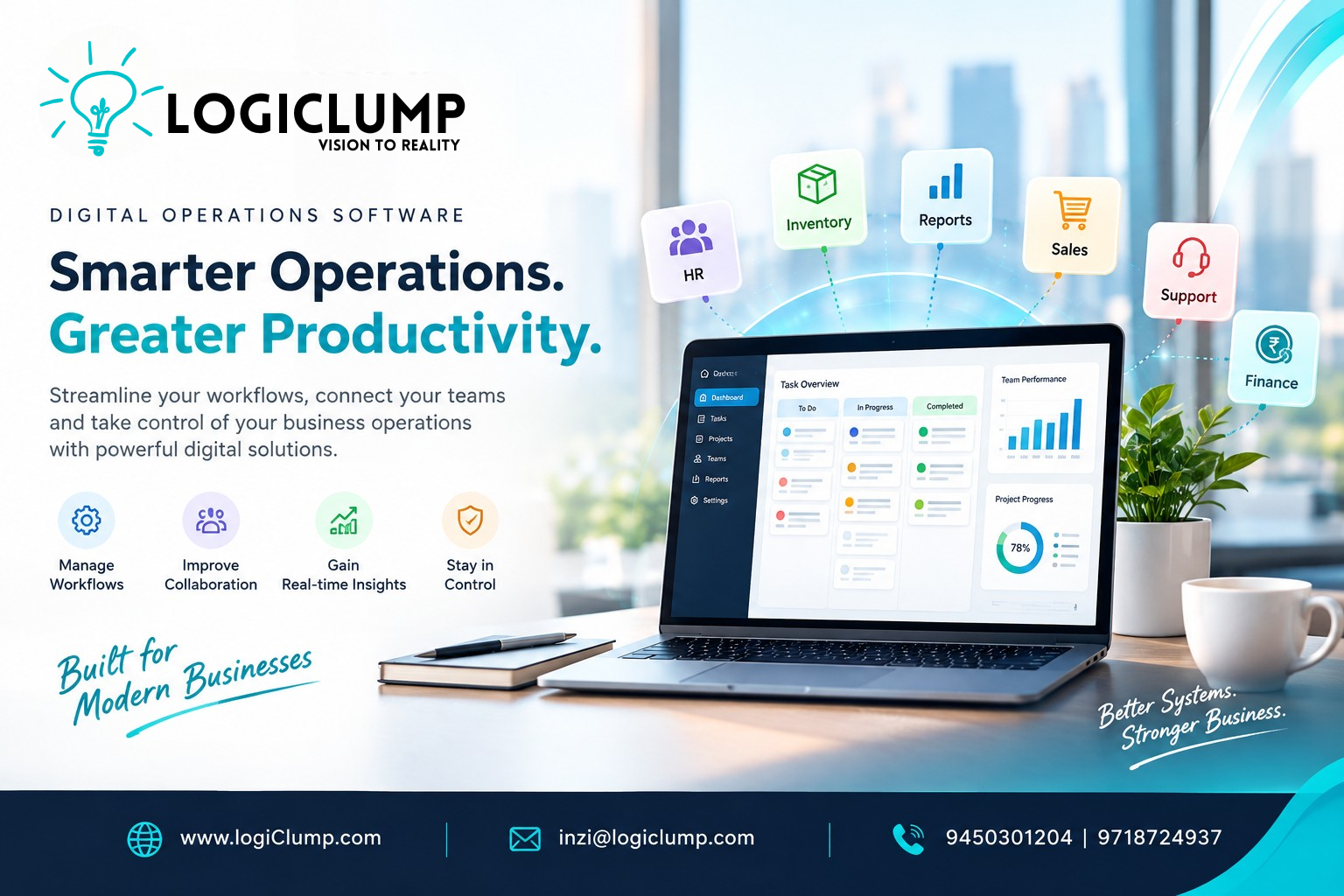
Digital Operations Software in 2026
As an organization expands, coordinating everyday work becomes increasingly challenging. Customer requests arrive through different channels, employees manage competing priorities, and managers need reliable information to understand what is happening across the business.
Without the right systems, these activities can become difficult to coordinate. Employees may spend hours following up on tasks, searching for information, updating records, and preparing reports instead of concentrating on their core responsibilities.
Businesses need technology that supports the way their operations actually function.
Digital operations software gives organizations a structured way to manage work, coordinate departments, monitor performance, and improve day-to-day execution.
For companies whose existing tools no longer meet their requirements, custom enterprise software can provide a practical way to bring important business activities into a more organized digital environment.
Why Operational Complexity Increases as Businesses Grow
Growth brings new opportunities, but it also introduces additional responsibilities.
A company that once managed its activities through a small team may eventually need to coordinate multiple departments, locations, suppliers, and customer groups.
Several challenges can emerge along the way.
Information Becomes Difficult to Locate
Business information may be scattered across spreadsheets, emails, shared folders, and separate applications.
Employees can struggle to identify the latest record or determine whether another team has already completed an activity.
Everyday Tasks Require Too Many Manual Steps
When business processes depend on repeated data entry and personal follow-ups, work takes longer than necessary.
Manual coordination can also increase the likelihood of missed updates and incomplete records.
Managers Have Limited Operational Visibility
Without timely reporting, management may find it difficult to identify delays, understand workload distribution, or recognize recurring problems.
Teams Work With Different Processes
Departments may develop their own ways of recording information and completing tasks. Over time, these differences can create inconsistencies across the organization.
Existing Tools Do Not Match New Requirements
Software selected during an earlier stage of growth may lack the functionality needed for new services, larger teams, or more complicated workflows.
These challenges often indicate a need to review how business processes and software systems work together.
What Can Digital Operations Software Do?
Digital operations software can be designed to support the activities that keep an organization running.
Its features depend on the company's requirements, but common capabilities include:
-
Organizing tasks and assigning responsibilities
-
Tracking requests and work progress
-
Managing internal approvals
-
Maintaining operational records
-
Coordinating activities between departments
-
Monitoring deadlines and outstanding work
-
Generating management reports
-
Sending notifications and reminders
-
Connecting relevant business applications
A company may need only a few of these capabilities initially. Others can be introduced as its requirements evolve.
The objective is to create a useful operational system rather than add features that employees do not need.
Five Ways Enterprise Software Can Improve Business Operations
1. Make Responsibilities Clearer
When employees understand who owns a task and what must happen next, work is easier to coordinate.
A digital platform can assign responsibilities, record progress, and make outstanding activities visible to authorized team members.
This is particularly useful when a process passes through several departments before completion.
2. Reduce Unnecessary Administrative Work
Employees should not have to repeatedly copy information between applications or manually remind colleagues about every pending activity.
Where processes are predictable, enterprise software can automate selected updates, notifications, and routine steps.
This helps reduce administrative effort while allowing employees to focus on activities that require their judgment.
3. Improve Management Reporting
Business leaders need more than occasional summaries to understand operational performance.
A reporting platform can present relevant information through dashboards, performance indicators, and status reports.
For example, managers might monitor pending requests, average processing times, unresolved issues, or the workload assigned to different teams.
The usefulness of these reports depends on the quality and timeliness of the underlying information.
4. Establish Consistent Business Processes
A growing organization benefits from clear procedures for recurring activities.
Software can guide employees through defined steps, record important decisions, and help teams follow consistent processes.
This can be particularly valuable when the same activity is performed by different departments or across multiple locations.
5. Support Better Planning
When operational information is easier to access, managers can make more informed decisions about workload, staffing, priorities, and process improvements.
Software cannot replace business judgment, but it can provide a clearer picture of the conditions in which decisions are being made.
An Example: Improving Operations for a Multi-Location Business
Consider a company with several branches that provide services to customers.
Each location receives requests, assigns employees, manages supplies, and reports its performance to the central office.
Initially, branch managers may handle these activities through spreadsheets and email. As the organization grows, leadership begins to experience delays in collecting information and understanding which locations need support.
A custom operations system could introduce a shared process for recording requests, assigning work, tracking progress, and reviewing results.
Branch managers could monitor their own activities, while authorized central-office staff could compare performance across locations.
The system might also connect to existing accounting or customer management applications where integration is appropriate.
The business would gain a more consistent operational process without necessarily replacing every application it already uses.
This illustrates an important principle: enterprise software should address a clearly identified business challenge.
Custom Enterprise Software or an Existing Product?
Businesses often face a choice between adopting an established software product and commissioning a custom application.
Both options have advantages.
Existing software can be suitable when its features and workflows already meet the organization's needs. It may also offer a quicker path to implementation.
Custom enterprise software may be more appropriate when a company has specialized requirements, needs a particular user experience, or must coordinate processes that existing products cannot support effectively.
Before choosing, businesses should consider:
-
How closely available products match their workflows
-
Whether the required integrations are supported
-
The cost of licensing and customization
-
The flexibility to introduce future changes
-
Security and access requirements
-
Ongoing maintenance responsibilities
Custom development should not be the default choice for every problem. The best approach is the one that delivers the required business outcome with appropriate cost and complexity.
Connecting Business Applications for Smoother Operations
Many organizations already use software for accounting, customer management, inventory, sales, and reporting.
The challenge is often the lack of coordination between these applications.
For example, an order-management process may require information from the sales system, confirmation from inventory, a financial record, and a customer notification.
When these activities are disconnected, employees may need to perform updates manually.
Enterprise software integration can help relevant systems exchange information and support a more consistent workflow.
However, integrations must be planned carefully. Businesses need clear rules for which system owns each record, how errors are handled, and how access to sensitive information is controlled.
The goal is not to connect every application indiscriminately. It is to connect the systems that need to work together.
Build Security Into Operational Software
Digital operations platforms may contain sensitive customer information, employee records, financial data, and internal business documents.
Protecting this information is essential.
A well-planned enterprise solution should consider:
User access: Employees should only be able to access information and functions relevant to their responsibilities.
Authentication: Access should be protected through appropriate identity and login controls.
Approval permissions: Sensitive decisions should be restricted to authorized individuals.
Activity records: Important changes and approvals should be traceable.
Data protection: Confidential information should be handled using appropriate security measures.
Backup and recovery: Businesses should plan how important records can be restored following a failure.
Security requirements should be determined during planning rather than treated as an optional addition after development.
How to Introduce New Enterprise Software Successfully
A new platform can improve operations, but only when it fits the way employees work.
A gradual implementation can reduce disruption and provide opportunities to improve the solution before expanding it.
Step 1: Identify the Operational Bottleneck
Start by finding a process that regularly causes delays, repeated work, or communication problems.
Step 2: Understand the Current Workflow
Document how the process works today, including the people involved, information required, and decisions that must be made.
Step 3: Define the Desired Outcome
Decide what should improve. Examples include reducing processing time, making responsibilities clearer, or improving the accuracy of reports.
Step 4: Select the Appropriate Solution
Evaluate whether an existing product, a system integration, a custom application, or a combination of these approaches is most suitable.
Step 5: Develop and Test the Solution
Check that the software supports the required workflow, protects information appropriately, and performs reliably under expected conditions.
Step 6: Prepare Employees for Adoption
Provide clear instructions and support so employees understand how the new system fits into their daily responsibilities.
Step 7: Review Performance
Compare the results with the original business objectives and identify areas that need improvement.
Step 8: Expand When the Results Justify It
Introduce additional features or departments when the initial solution is stable and there is a clear business case for expansion.
Measuring Whether the Software Is Delivering Value
A successful project should produce improvements that the organization can evaluate.
Businesses can track indicators such as:
-
Average time required to complete a process
-
Number of overdue tasks
-
Time spent preparing reports
-
Frequency of duplicate data entry
-
Errors caused by manual updates
-
Approval turnaround time
-
Employee adoption of the platform
-
Customer-request resolution time
The most useful measurements depend on the problem being addressed.
For example, a company introducing approval software should evaluate whether requests move through the process more efficiently. A business improving reporting should measure how quickly accurate information becomes available.
These indicators help organizations assess whether the investment is delivering meaningful operational benefits.
Why Businesses Need an Enterprise Software Development Partner
Enterprise software projects involve more than creating screens and adding features.
The development team must understand the business requirements, identify dependencies, consider integration needs, and plan for security and long-term maintenance.
A suitable software development partner should be able to help with:
-
Business requirements analysis
-
Custom enterprise application development
-
Web and mobile software
-
CRM and management systems
-
API development and integration
-
Workflow automation
-
Reporting and dashboard development
-
Testing and quality assurance
-
Deployment planning
-
Ongoing technical improvements
Clear communication is equally important. Businesses should understand what is included in the project, how changes will be handled, and what support will be available after launch.
How LogiClump Helps Businesses Build Enterprise Software
LogiClump Technologies is focused on developing custom digital solutions that address business requirements and support organizational growth.
Our capabilities include enterprise applications, custom web and mobile software, CRM and business management solutions, API integrations, workflow automation, AI-powered applications, e-commerce platforms, and specialized FinTech and trading software.
Depending on the project, we can help businesses develop a new application, improve an existing system, or connect selected tools into a more coordinated environment.
Our approach begins with understanding the business objective and identifying a practical software solution.
Rather than adding unnecessary complexity, the goal is to create applications that serve a clear purpose, support users, and remain adaptable as requirements change.
Conclusion: Make Your Business Operations Work Better
Efficient business operations depend on clear responsibilities, reliable information, coordinated teams, and processes that employees can follow consistently.
Digital operations software can help organizations reduce manual effort, improve reporting, coordinate departments, and manage recurring activities more effectively.
However, technology alone does not guarantee better results. Businesses must first understand their operational challenges and choose a solution that fits their requirements.
For some organizations, the answer may be an existing software product. Others may benefit from connecting their current systems or developing a custom enterprise platform.
LogiClump Technologies helps businesses turn operational requirements into practical, purpose-built software solutions.
If your organization is dealing with disconnected applications, inefficient workflows, or software that no longer supports its needs, the right development approach can help establish a stronger foundation for growth.
Discuss Your Enterprise Software Project With LogiClump
🌐 Website: https://www.logiclump.com/
📧 Email: inzi@logiclump.com
📞 Contact: 9450301204 | 9718724937
Build. Innovate. Empower.
Discover how custom enterprise software helps businesses coordinate teams, improve workflows, connect applications, and gain better operational visibility.
Tom Cruise