
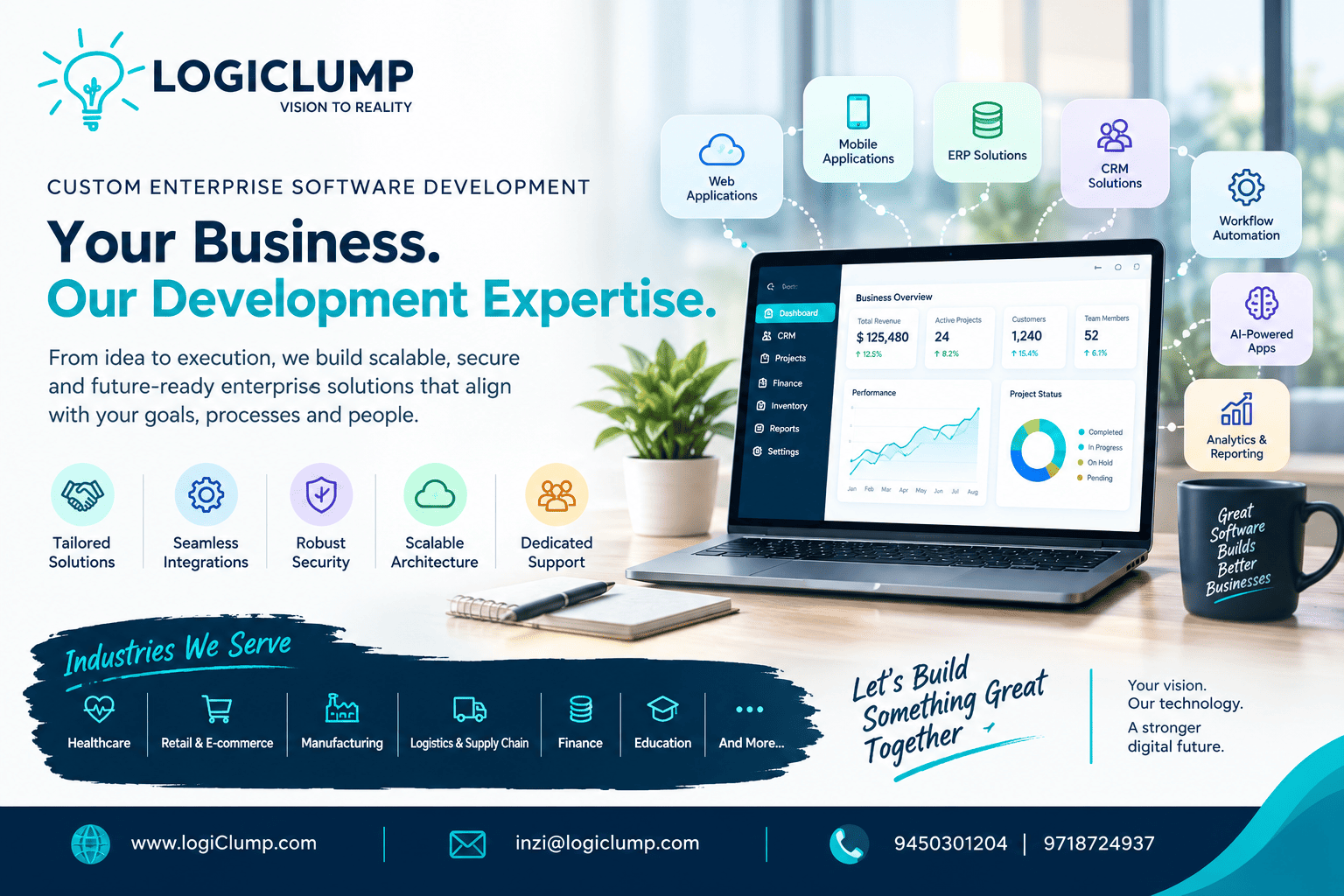
Your Business Our Development Expertise
Every business has its own way of operating.
Two companies in the same industry may sell similar products, serve similar customers, and have similar teams—but their internal processes can be completely different.
One may rely heavily on approvals. Another may prioritize automation. One may have multiple branches, while another may operate through a distributed team.
This creates a challenge when businesses depend entirely on off-the-shelf software.
The software may offer dozens of features, yet still fail to match the organization's actual workflow.
That is where custom enterprise software development can make a difference.
Instead of asking the business to adapt to the software, organizations can build technology around the way they actually work.
The Problem With "One Software Fits All"
Standard business applications are useful for many common requirements.
But as an organization grows, its processes often become more specialized.
A company may need a system where:
- Different departments follow different workflows
- Certain actions require multiple approvals
- Managers see different information from employees
- Customers have access to selected services
- External platforms exchange data automatically
- Reports follow company-specific calculations
- Business rules change according to product, location, or user
A generic application may handle some of these requirements.
But forcing every process into predefined software can eventually create workarounds, spreadsheets, manual transfers, and disconnected systems.
Custom enterprise software takes a different approach.
The business process becomes the starting point.
Start With How the Business Operates
Before deciding what application to build, it is important to understand how work currently moves through the organization.
Consider a simple service request.
It might follow this path:
Request Created → Team Assigned → Information Verified → Manager Review → Work Completed → Quality Check → Customer Updated
Each step may have its own rules.
What information is required?
Who can perform the next action?
What happens if the request is rejected?
Which activities should be automatic?
Which decisions require a person?
Mapping these details before development can reveal opportunities to simplify the entire process.
Turn Business Processes Into Digital Workflows
A successful enterprise platform should reflect the organization's actual processes.
For example, a procurement system might contain:
Purchase Request → Budget Verification → Department Approval → Procurement Review → Supplier Selection → Order Creation → Delivery Confirmation
Instead of employees manually coordinating every stage through emails and spreadsheets, the software can guide the process.
It can also record:
- Who submitted the request
- Who approved it
- When each action occurred
- What information was changed
- What stage the request has reached
This creates greater visibility while reducing unnecessary manual coordination.
Different Employees Need Different Experiences
Enterprise software can serve hundreds or thousands of users.
But every user doesn't need access to the same information.
A sales employee may need customer and opportunity information.
A finance user may require invoices and payment records.
An operations manager may need workload and performance data.
An administrator may need complete control over the platform.
This makes role-based software design an important part of enterprise applications.
The same platform can provide different experiences based on:
- Role
- Department
- Permissions
- Responsibilities
- Location
- Workflow status
This can make complex systems easier to navigate while keeping sensitive information appropriately restricted.
Replace Repetitive Coordination With Workflow Automation
Many business processes involve repetitive communication.
An employee sends an email.
Someone checks the request.
Another person approves it.
A third person updates a spreadsheet.
Someone else informs the customer.
Enterprise software can bring these steps into a single workflow.
For example:
New Request → Automatic Notification → Approval → Status Update → Task Assignment
The objective isn't to automate everything.
It is to automate the predictable parts of the process so employees can concentrate on activities that require judgment and expertise.
Design for the Unusual Cases Too
Real businesses don't operate perfectly.
A customer may cancel an order.
A payment may fail.
An approval may be rejected.
A supplier may miss a delivery.
An employee may enter incomplete information.
A third-party service may become unavailable.
Enterprise applications need to account for these situations.
A robust workflow should define what happens when the expected process breaks.
For example:
Payment Failed → Retry → Still Failed → Alert Finance → Hold Order
This prevents unexpected situations from becoming completely manual problems.
Connect the Systems You Already Use
Most established businesses already use multiple software platforms.
For example:
CRM + Accounting + Inventory + Payment Gateway + HR + Communication + Analytics
The problem isn't necessarily having several systems.
The problem occurs when those systems cannot communicate effectively.
A customer may be entered into the CRM, then manually added to another platform.
A payment may be completed, but the finance team may have to verify it separately.
Inventory information may not immediately reach the sales team.
Enterprise integration can connect these systems so that relevant information moves between them automatically.
This is where APIs and integration architecture become particularly important.
Build One Reliable View of Business Information
Disconnected systems can create another major problem: conflicting data.
Imagine three systems showing three different customer statuses.
Which one is correct?
Enterprise architecture should establish clear relationships between systems and data.
A well-designed platform can help organizations maintain consistent information across their operations.
This becomes especially valuable for:
- Customer records
- Product information
- Orders
- Payments
- Inventory
- Employee data
- Financial transactions
Reliable information creates a stronger foundation for reporting and decision-making.
Enterprise Software Should Make Information Actionable
A dashboard filled with numbers isn't necessarily useful.
Managers need to understand what those numbers mean and what action may be required.
For example, instead of simply displaying:
Pending Orders: 247
the system could provide additional context:
- 38 orders are delayed
- 12 require approval
- 17 are waiting for inventory
- 5 have payment issues
Now the dashboard becomes an operational tool rather than just a reporting screen.
The goal is to help people move from:
Information → Understanding → Action
Security Should Be Part of the Architecture
Enterprise systems frequently contain business-critical information.
That makes security a fundamental design requirement.
Depending on the application, the architecture may need:
- Secure authentication
- Role-based permissions
- Access controls
- Data encryption
- Audit logs
- Backup mechanisms
- Secure APIs
- Session management
- Monitoring and alerts
Security requirements should be considered during planning and development rather than added immediately before launch.
Build for the Business You Have—and the Business You're Becoming
Enterprise applications need to support today's requirements without making tomorrow's growth difficult.
A company may begin with:
10 users → 1 location → 1 workflow
and eventually grow into:
1,000+ users → Multiple locations → Multiple departments → Complex workflows
The application architecture needs room for that evolution.
Scalability can involve more than server capacity.
It can also mean supporting:
- Additional users
- New departments
- More business rules
- Additional integrations
- New locations
- Larger datasets
- New application modules
A scalable platform should be capable of evolving without requiring a complete rebuild every time the business changes.
Modernization Doesn't Always Mean Starting Over
Many organizations already have valuable software.
Replacing everything may not be practical.
Instead, businesses can modernize incrementally.
For example:
Existing System → API Layer → New Application → Modern User Interface
Individual modules can then be replaced or improved over time.
This can allow organizations to preserve useful legacy capabilities while gradually moving toward a modern technology environment.
Where AI Can Strengthen Enterprise Applications
Artificial intelligence can add useful capabilities to enterprise platforms when applied to specific business problems.
For example, AI can assist with:
Document Processing
Extracting relevant information from invoices, forms, and business documents.
Knowledge Discovery
Helping employees find information across authorized business resources.
Customer Support
Assisting teams in understanding and responding to customer requests.
Data Analysis
Identifying patterns and unusual activity within large datasets.
Workflow Assistance
Providing recommendations or summaries within existing business processes.
The important point is that AI should support the application—not distract from its primary business purpose.
Enterprise Software Development Is a Business Exercise
Writing code is only one part of an enterprise software project.
The larger process involves understanding:
Business Goals → Processes → Users → Data → Integrations → Architecture → Development → Deployment → Improvement
Each part influences the final result.
If the business process is misunderstood, the application may solve the wrong problem.
If the data model is poorly designed, reporting can become difficult.
If integrations are ignored, teams may continue transferring information manually.
If the interface is confusing, users may avoid the system.
Enterprise development therefore requires both technical expertise and business understanding.
Why Businesses Choose LogiClump
LogiClump Technologies specializes in developing custom enterprise software for organizations with specific operational and technology requirements.
Our capabilities include:
- Custom enterprise applications
- CRM development
- ERP solutions
- Business process management systems
- Web applications
- Mobile applications
- API development
- Third-party integrations
- Workflow automation
- Cloud-based applications
- AI-powered business solutions
- Admin panels
- User dashboards
- Analytics and reporting systems
- E-commerce platforms
- Marketplace solutions
- SaaS development
- Payment gateway integration
Rather than beginning with a fixed software package, LogiClump focuses on understanding the organization's requirements and creating a solution around its processes, users, integrations, and growth objectives.
The Goal Isn't More Software—It's Better Business Technology
Enterprise software should not add another layer of complexity.
It should help remove complexity.
The right platform can bring scattered processes together, reduce repetitive work, connect departments, improve information visibility, and give teams better tools for handling their responsibilities.
That is the real opportunity behind custom enterprise software development.
Build around the business. Connect what is disconnected. Automate what is repetitive. Simplify what is complicated.
Conclusion
Every organization has its own challenges, workflows, data, teams, and ambitions.
That means its software shouldn't necessarily look like everyone else's.
Custom enterprise software can provide a foundation designed around the organization's actual requirements while leaving room for future expansion.
From workflow automation and system integration to cloud platforms, business applications, AI capabilities, and data-driven dashboards, the right technology can become an important part of how a modern organization operates.
LogiClump Technologies helps businesses turn complex requirements into practical, scalable enterprise software solutions.
Build Technology Around Your Business
🌐 Website: www.logiclump.com
📧 Email: inzi@logiclump.com
📞 Contact: 9450301204 | 9718724937
LogiClump Technologies — Vision to Reality.
Discover how LogiClump builds custom enterprise software that connects business processes, automates workflows, integrates systems, and supports scalable digital operations.
Tom Cruise