
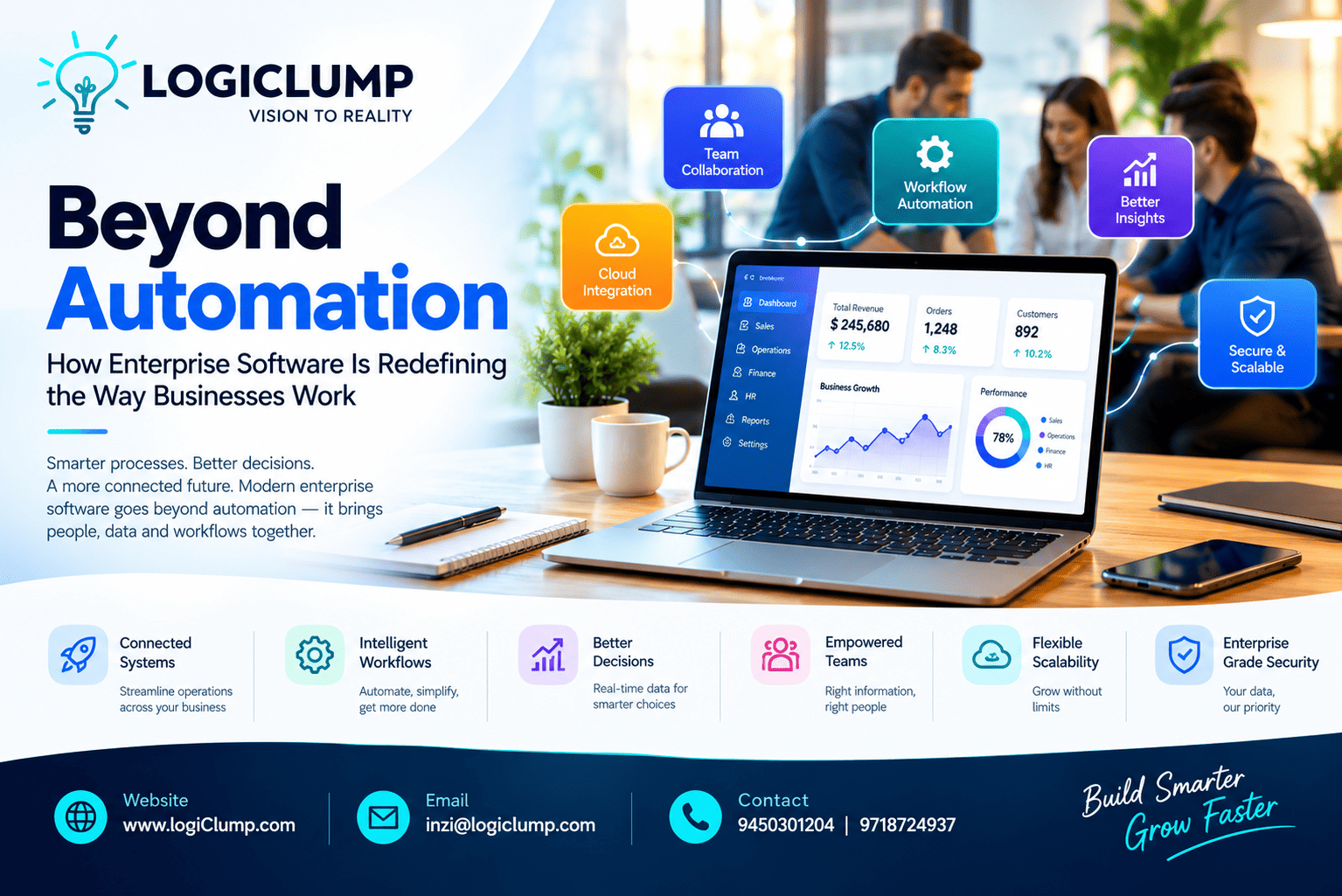
Beyond Automation
Business software has changed dramatically over the last decade.
What once started as simple digital tools for storing records or completing routine tasks has evolved into something much more important. Today, software can influence how teams collaborate, how information moves through an organization, how decisions are made, and how quickly a company responds to change.
For growing organizations, this creates a new challenge.
It is no longer enough to have software for individual departments. Businesses need technology that can connect operations, understand workflows, coordinate information, and support people across the organization.
This is where modern enterprise software development becomes valuable.
Enterprise Software Is Becoming Part of Everyday Operations
Software used to sit on the sidelines of business operations.
Today, it can sit directly inside them.
Think about a customer placing an order.
A modern enterprise platform can potentially connect the entire journey:
Order Received → Customer Verified → Payment Confirmed → Inventory Checked → Order Processed → Delivery Arranged → Customer Updated
The software isn't simply saving the order.
It is helping coordinate what happens next.
The same concept can apply to recruitment, procurement, sales, finance, customer support, inventory management, and internal approvals.
As a result, enterprise software is increasingly becoming part of the organization's operating infrastructure.
Automation Is Only the Beginning
Automation is one of the most common reasons businesses invest in software.
But automation alone doesn't solve every problem.
Suppose a company automatically processes purchase requests.
That's useful.
But what if the person approving the purchase doesn't have enough information to make the decision?
The next step is not simply more automation.
It is better information at the moment of decision.
A modern enterprise system could show:
- Previous purchases
- Available budget
- Supplier information
- Current inventory
- Delivery requirements
- Existing contracts
The employee can then make an informed decision without searching through several systems.
This creates a more powerful combination:
Automation + Context + Human Decision-Making
Software Should Adapt to the User
Enterprise applications often serve people with very different responsibilities.
A finance manager does not need the same information as a sales representative.
A warehouse employee does not need the same dashboard as a company director.
Instead of showing everyone the same interface, modern enterprise software can organize information around the user's role.
For Executives
The system might highlight:
- Revenue
- Key performance indicators
- Business trends
- Operational alerts
- Department performance
For Sales Teams
The focus may be:
- Leads
- Opportunities
- Customer activity
- Follow-ups
- Quotations
For Finance
Users may need:
- Payments
- Invoices
- Expenses
- Receivables
- Approvals
For Operations
The interface may prioritize:
- Orders
- Inventory
- Tasks
- Deliveries
- Production status
The same underlying platform can therefore support different teams without forcing everyone to navigate through unnecessary information.
Business Rules Can Become Part of the Software
Every organization operates according to rules.
Some may be simple.
Others can involve multiple conditions.
For example, a company might allow a standard discount without approval but require management authorization when the discount crosses a certain threshold.
Instead of expecting employees to remember every rule, the software can incorporate appropriate business logic.
A workflow could look like:
Request → Rule Check → Approval Required? → Decision → Processing
This can make processes more consistent and reduce unnecessary manual checking.
The software becomes more than a place to enter information.
It becomes a way of enforcing agreed business processes.
Let People Handle Exceptions
Not every business activity needs human attention.
If thousands of transactions follow predictable rules, manually reviewing each one can consume significant resources.
Enterprise software can instead be designed around exceptions.
For example:
Routine Transaction → Automatically Processed
Unusual Transaction → Flagged for Review
This allows employees to concentrate on situations that actually require judgment.
The result isn't necessarily fewer employees.
It can mean better use of employee time.
The Interface Should Bring Important Work Forward
Traditional enterprise software can sometimes make employees search for the information they need.
A more modern approach is to bring important actions directly to the user.
Instead of requiring an employee to explore multiple menus, the system could present a daily work view such as:
Today's Priorities
- 3 approvals pending
- 2 delayed orders
- 4 customer issues
- 1 inventory warning
This changes the experience from:
“Find what needs to be done.”
to:
“Here is what needs your attention.”
That small difference can make complex enterprise applications significantly easier to use.
Dashboards Should Explain the Business, Not Just Display It
A collection of charts does not automatically create useful analytics.
A valuable enterprise dashboard should help users understand what those numbers mean.
For example, if sales have declined, management may want to know:
- Which region is affected?
- Which product category changed?
- Which customer segment contributed to the decline?
- Has lead volume changed?
- Are conversion rates falling?
- Is the issue temporary or persistent?
Connecting different sources of information can provide more useful context than presenting isolated statistics.
The purpose of enterprise analytics should therefore be understanding and action, not simply visualization.
Data Needs Structure and Ownership
As organizations grow, data becomes increasingly difficult to manage.
The same customer may appear in multiple applications.
Product information may be maintained by several departments.
Employees may create duplicate records.
Different reports may show different figures.
A strong enterprise architecture should establish clear ownership of important information.
It should answer questions such as:
- Where does this information originate?
- Who can change it?
- Which systems can use it?
- How is it synchronized?
- Who is allowed to access it?
- How long should it be retained?
This creates a more reliable foundation for business applications.
Legacy Systems Don't Have to Disappear Overnight
Many established organizations depend on older software.
Replacing everything at once can be expensive, disruptive, and risky.
Enterprise modernization can instead happen gradually.
A business might:
- Connect an older application through APIs
- Build a modern interface around an existing system
- Move selected functions to a newer platform
- Synchronize information between old and new systems
- Replace individual components over time
This approach allows organizations to modernize without treating their entire technology environment as a single replacement project.
APIs Are Essential for a Connected Enterprise
Businesses increasingly rely on different platforms for different functions.
A company might use one provider for payments, another for accounting, another for logistics, and another for communication.
These systems need a way to exchange information.
APIs can provide that connection.
A simplified ecosystem might look like:
Customer Platform ↔ CRM ↔ Payment System ↔ Finance ↔ Inventory ↔ Logistics
When integrations are designed properly, information can move between platforms without requiring employees to repeatedly copy data.
This can turn several separate applications into a more coordinated technology environment.
Enterprise Software Is Moving Toward Modular Architecture
Organizations don't always need one giant application containing everything.
A modular approach can allow different capabilities to operate as independent components.
For example:
- Customer management
- Order processing
- Payments
- Notifications
- Reporting
- Identity management
- Inventory
Each component can have a defined responsibility while communicating with other parts of the ecosystem.
This can make future changes easier.
A business may be able to upgrade one capability without rebuilding the entire platform.
AI Can Add Intelligence to Enterprise Workflows
Artificial intelligence is creating new possibilities for enterprise applications.
Instead of treating AI as a separate product, organizations can incorporate it into existing workflows where it provides practical value.
Potential applications include:
Document Understanding
Extract useful information from invoices, forms, contracts, and other documents.
Internal Knowledge Search
Help employees locate information across authorized business sources.
Report Summarization
Turn lengthy operational information into concise summaries.
Customer Support Assistance
Help service teams understand requests and prepare responses.
Pattern Identification
Highlight unusual activity or emerging trends.
Workflow Assistance
Suggest possible next actions based on available information and business rules.
AI should not be added simply because it is fashionable.
Its value comes from solving a specific business problem more effectively.
Building Enterprise Software Around Real Business Needs
Successful enterprise development should begin with understanding the organization.
Before selecting technologies, teams should examine:
- Business processes
- User roles
- Existing applications
- Data flows
- Integration requirements
- Security requirements
- Performance expectations
- Future growth
From there, the development strategy can be created.
A typical journey might be:
Business Analysis → Architecture → UI/UX → Development → Integration → Testing → Deployment → Continuous Improvement
This approach helps ensure that technology supports the organization rather than creating another layer of complexity.
When Should a Company Consider Enterprise Software Development?
There is no single size or industry that determines when enterprise software becomes necessary.
However, certain signs indicate that an organization may have outgrown its current technology environment.
These can include:
- Excessive dependence on spreadsheets
- Repeated data entry
- Disconnected departmental applications
- Slow approval processes
- Difficulty preparing accurate reports
- Poor visibility across operations
- Too many manual handoffs
- Complex integration requirements
- Software that cannot adapt to changing workflows
- Rapid business expansion
The solution may be a new platform, an integration strategy, modernization, or a combination of several approaches.
The important step is identifying where technology is creating friction in the business.
Why Choose LogiClump for Enterprise Software Development?
LogiClump Technologies develops custom digital solutions designed around the operational needs of businesses.
Our enterprise software development capabilities include:
- Custom enterprise applications
- CRM and ERP solutions
- Business management software
- Web applications
- Mobile applications
- Admin panels
- User dashboards
- API development
- Third-party integrations
- Workflow automation
- Cloud-based applications
- AI-powered software
- Analytics and reporting
- E-commerce and marketplace solutions
- Payment gateway integration
- Custom SaaS platforms
The goal is not to force every organization into the same software model.
Instead, LogiClump focuses on understanding the business requirement and creating technology that fits its processes, users, integrations, and growth plans.
The Future of Enterprise Software Is More Than Automation
Enterprise software is moving toward a broader role inside organizations.
It can connect systems.
It can coordinate workflows.
It can surface important information.
It can support employees during decisions.
It can automate predictable activities.
It can provide intelligence where appropriate.
Most importantly, it can create a digital foundation that evolves alongside the business.
The transformation can be viewed as:
Digital Tools → Connected Applications → Automated Processes → Intelligent Enterprise Systems
Organizations don't necessarily need more software.
They need software that works better together.
Conclusion
Enterprise software development is no longer just about creating large applications.
It is about understanding how an organization works and designing technology that can improve the way people, processes, data, and systems interact.
The strongest enterprise solutions are not necessarily the ones with the longest feature lists.
They are the ones that solve real operational problems, simplify complex workflows, provide useful information, and remain flexible as the organization grows.
For businesses looking to move beyond disconnected tools and build a stronger digital foundation, enterprise software can become a strategic investment rather than simply an IT expense.
Build Smarter Enterprise Software With LogiClump
Have complex workflows, disconnected systems, or a business process that existing software cannot handle?
LogiClump Technologies can help transform those requirements into scalable, connected digital solutions.
🌐 Website: www.logiclump.com
📧 Email: inzi@logiclump.com
📞 Contact: 9450301204 | 9718724937
LogiClump Technologies — Turn Your Business Idea Into Digital Reality.
Discover how LogiClump connects systems, streamlines workflows, and empowers smarter decisions with scalable enterprise software.
Tom Cruise