
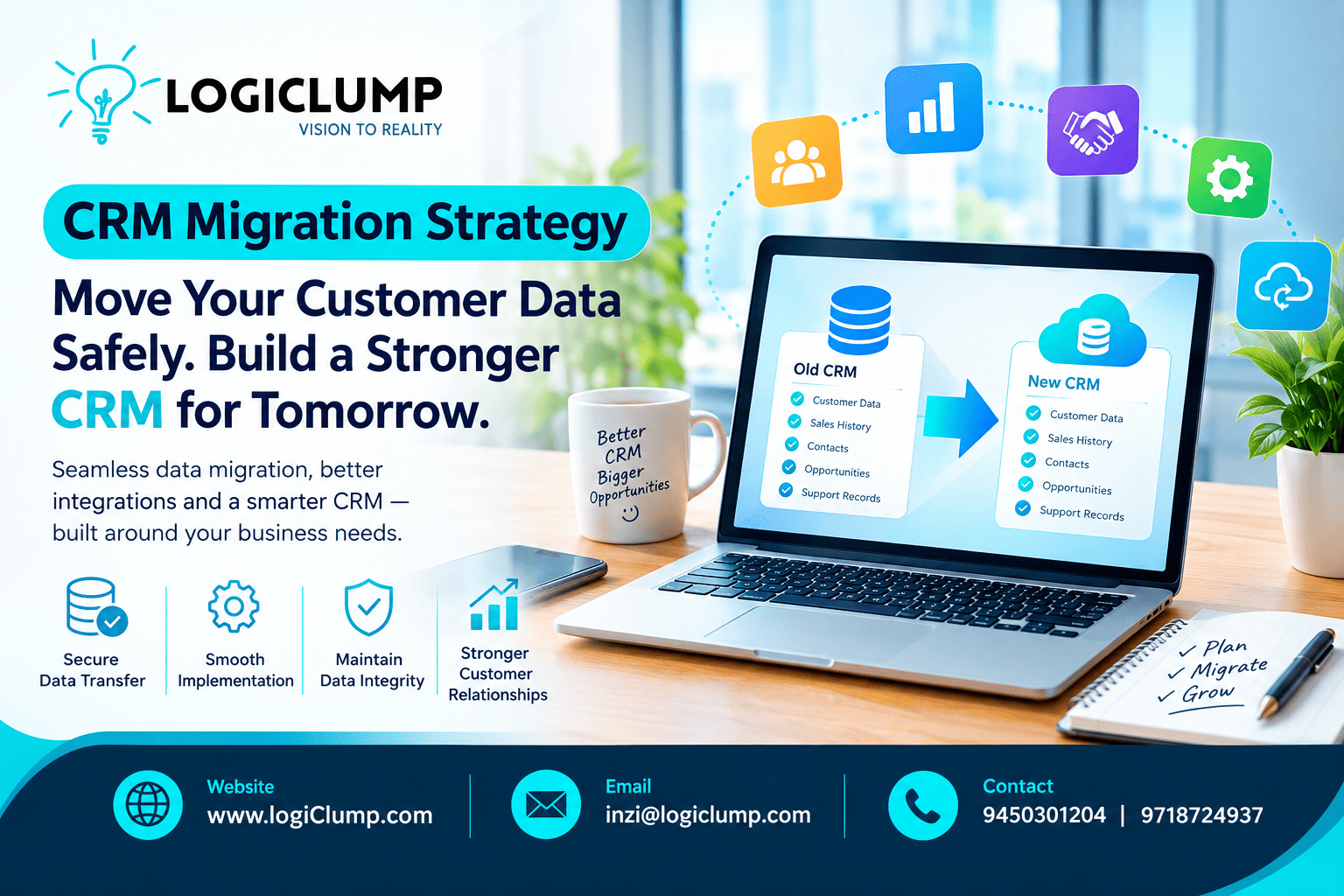
CRM Migration Made Simple
A company's customer information is one of its most valuable business assets. It contains more than names and contact details—it can include sales discussions, account relationships, service history, pending opportunities, and commitments made to customers.
When a business upgrades its CRM or moves to a custom-built platform, preserving this information becomes a critical responsibility.
A poorly managed transition can leave employees working with incomplete records, interrupt sales activities, and create confusion across departments. A carefully planned migration, on the other hand, gives businesses an opportunity to improve data quality, simplify customer management, and prepare their software for future growth.
CRM migration is not just an information transfer. It is a business transition that needs to protect customer relationships while improving the systems that support them.
For organizations evaluating a new CRM, understanding the migration process is an important step toward making the investment successful.
When Is It Time to Move to a New CRM?
Businesses rarely replace customer-management software without a reason. The decision often follows changes in how the organization sells, serves customers, or manages its operations.
Your Business Has Outgrown Its Current System
A CRM that once supported a small sales team may become difficult to manage as the organization expands into new markets, adds departments, or introduces more complex customer relationships.
Employees may begin maintaining their own spreadsheets because the existing system no longer fits their needs.
Customer Information Is Fragmented
When different departments maintain separate customer records, it becomes harder to understand the complete relationship.
Sales may have one version of an account's history, finance another, and customer support a third.
A new CRM can help establish a more consistent customer-management environment when information ownership and integration requirements are planned properly.
Reporting Requires Too Much Manual Work
Management may need to understand sales activity, customer retention, outstanding opportunities, or service performance.
If employees must repeatedly combine information from different sources to produce these reports, the current CRM setup may need improvement.
Business Processes Have Changed
A growing company may introduce new approval rules, customer categories, service models, or account-management responsibilities.
If the existing platform cannot accommodate these changes efficiently, customization or migration may become worth considering.
The Current System Is Difficult to Maintain
Older platforms or heavily customized systems may become expensive to support, difficult to integrate, or restrictive when new features are needed.
Before replacing the system, businesses should assess whether targeted improvements would be sufficient or whether a broader transition offers better long-term value.
What Should Be Preserved During CRM Migration?
One of the most important migration decisions is determining which information must move to the new environment.
The required data depends on how the business operates and what employees need to continue their work.
Typical migration requirements include:
-
Customer and company profiles
-
Contact details
-
Sales opportunities and their stages
-
Customer interaction history
-
Follow-up tasks and reminders
-
Account ownership
-
Service requests and support records
-
Relevant contracts and documents
-
Product or service preferences
-
Important historical notes
The goal is not necessarily to copy every record from the old system.
Some information may be outdated, duplicated, unnecessary, or subject to retention restrictions. Businesses should define what to migrate, what to archive, and what to retain or delete according to applicable policies.
The key is to make these decisions deliberately rather than discovering missing information after the transition.
Why Customer Relationships Must Remain Connected
Customer data is useful because individual records relate to one another.
A company record may have several contacts. Each contact may be associated with multiple opportunities, conversations, and service requests.
If migration preserves the individual records but loses these relationships, employees may struggle to understand the customer's history.
For this reason, migration planning should account for record identifiers, account relationships, ownership assignments, and historical activities.
After the transfer, the business should verify that employees can still navigate between related information and understand the complete customer journey.
A Better Approach to CRM Migration
A successful migration benefits from a sequence of clear decisions and validation steps.
1. Understand the Existing Environment
Start by identifying where customer information currently lives.
The business may use a CRM alongside spreadsheets, email platforms, internal databases, support software, or other applications.
Create an overview of these sources and determine which information is essential to the new environment.
This assessment can reveal duplicate records, disconnected processes, and dependencies that might otherwise be overlooked.
2. Define the Purpose of the New CRM
A migration should have clear business objectives.
Perhaps the company wants to reduce manual administration, improve sales visibility, simplify account management, or connect customer information with other enterprise applications.
These goals should influence the design of the new CRM and the information that needs to be migrated.
Without clear objectives, a business risks transferring its old problems into a new system.
3. Improve Data Quality Before Moving It
Moving unreliable information does not make it reliable.
Before migration, review customer records for duplicates, inconsistent naming, missing fields, outdated details, and conflicting values.
For example, the same company might appear under its registered name, a shortened version, and a trading name.
The business should establish appropriate matching and review rules before deciding whether these entries represent the same customer.
Ambiguous or commercially important records may require human review rather than automatic merging.
4. Match Existing Information to the New CRM
The old and new systems may use different field names, categories, or record structures.
The migration plan should define how the source information will be represented in the destination system.
This includes deciding how customer identifiers, account ownership, sales stages, historical notes, and linked activities will be handled.
Clear mapping helps prevent information from being lost or interpreted incorrectly during the transfer.
5. Test With Representative Records
Before moving all customer data, perform a trial migration using a sample that reflects the complexity of the real dataset.
Include ordinary customer records as well as accounts with several contacts, extensive histories, pending opportunities, and incomplete information.
Ask employees who understand the business process to review the results.
This provides an opportunity to identify issues while the migration scope is still manageable.
6. Verify the Results
A successful transfer should be demonstrated through checks, not assumptions.
Review the completeness of required fields, the accuracy of important relationships, the handling of duplicates, and the accessibility of historical information.
Also test permissions, reports, and integrations that depend on the migrated records.
If important information is missing or incorrect, investigate and resolve the issue before relying on the new CRM for everyday operations.
7. Plan the Cutover Carefully
The cutover is the point at which the organization switches from the old CRM to the new one.
The plan should define when updates stop in the old system, how recent changes are captured, when the new system becomes authoritative, and how employees will know which system to use.
Depending on the business, a phased rollout or a coordinated transition may be suitable.
The choice should reflect operational dependencies, integration complexity, and the consequences of disruption.
8. Support Employees After Launch
The transition is not complete simply because the new CRM is available.
Employees need to understand how to perform their everyday activities in the new environment.
Provide practical guidance for finding customer records, updating opportunities, recording interactions, and completing follow-up tasks.
A clear process for reporting issues also helps the business identify and resolve problems quickly.
Should You Migrate to an Existing CRM or Build a Custom Solution?
CRM migration can be a useful opportunity to reconsider the software itself.
An existing CRM may offer everything the business needs, particularly when its requirements align with standard customer-management processes.
A customized or custom-built CRM may be worth evaluating when the organization has distinctive workflows, complex internal rules, or integration requirements that are difficult to accommodate with an off-the-shelf product.
| Business Requirement | Approach to Consider |
|---|---|
| Standard contact and opportunity management | Existing CRM |
| Minor changes to fields and sales stages | Configuration |
| Information exchange between applications | Integration |
| Specialized approval processes | Customization or development |
| Unique customer-management workflows | Custom CRM development |
| Major limitations in the current platform | Compare replacement and redevelopment costs |
The decision should account for implementation costs, licensing, migration effort, employee training, security, maintenance, and future flexibility.
Custom software can offer greater control over how the business operates, but it also requires ongoing ownership and support.
Keeping Business Applications Connected
A CRM is often part of a wider enterprise software environment.
Customer-related information may need to connect with accounting, order management, e-commerce, customer support, marketing, or internal reporting applications.
During migration, these connections deserve the same attention as the customer records themselves.
For example, a confirmed opportunity may trigger an order-management process, while finance handles invoicing and operations coordinates delivery.
The CRM should receive the relevant status information when needed, without creating conflicting records across systems.
Before implementation, define which application owns each type of data, how updates are synchronized, and how failed or repeated updates are handled.
These decisions help create a more dependable environment after the migration.
Protecting Customer Data During the Transition
CRM migration involves transferring information that may be commercially sensitive or subject to privacy obligations.
Security should be built into the process from the beginning.
Limit access. Only authorized people and services should handle migration data.
Secure transfers. Protect customer information while it moves between systems.
Maintain appropriate backups. Establish recovery options before making major changes.
Record important activities. Keep suitable records of migration actions, approvals, and validation results.
Review permissions. Confirm that the new CRM grants access according to employee responsibilities.
Manage temporary exports. Handle downloaded files, temporary copies, and old records according to retention and deletion policies.
The business should also confirm that its data-handling practices comply with the legal and contractual requirements applicable to its operations.
Measuring the Success of a CRM Migration
The quality of a migration should be assessed through practical outcomes.
Useful measures include:
| Metric | Purpose |
|---|---|
| Customer record accuracy | Checks the reliability of migrated information |
| Duplicate records | Identifies unresolved duplication |
| Required data completeness | Measures whether essential information was preserved |
| Relationship accuracy | Checks links between customers, contacts, and activities |
| Employee adoption | Indicates whether the new system is being used |
| Reporting reliability | Confirms that important reports remain meaningful |
| Integration performance | Measures whether connected applications work correctly |
| Operational disruption | Helps assess the effect on daily business activities |
Establishing baseline measurements before migration makes it easier to compare the results afterward.
These measurements can also highlight where additional data cleanup, training, or workflow improvements are required.
Common Mistakes That Can Undermine CRM Migration
Treating Migration as a One-Time Technical Task
CRM migration affects sales, customer service, reporting, and other business functions. It should be planned with input from the people who depend on the information.
Transferring Unnecessary Information
Importing every historical record can make the new environment harder to use. Define what information is genuinely required and handle archived data appropriately.
Overlooking Pending Activities
Open opportunities, follow-up tasks, and unresolved customer issues may need special attention during the transition. Identify these items before the old system is retired.
Ignoring Connected Applications
A CRM may depend on other systems for billing, reporting, or service delivery. Test these dependencies before completing the transition.
Assuming Employees Will Adapt Automatically
A new interface and new processes can confuse users if training and communication are inadequate.
Failing to Plan for Unexpected Problems
Define how migration issues will be escalated, who can authorize decisions, and what recovery options are available if critical checks fail.
How LogiClump Supports Custom CRM Development
A CRM should help businesses manage customer relationships while fitting their wider operational environment.
LogiClump Technologies is a CRM and enterprise software development company that helps organizations plan and build customer-management solutions around their requirements.
Our services can support:
-
Custom CRM software development
-
CRM customization and workflow design
-
Customer and sales management applications
-
Business system integrations
-
Secure API development
-
Reporting dashboards
-
Role-based access controls
-
Web and mobile CRM applications
-
Enterprise workflow automation
For businesses upgrading an existing CRM or considering a new platform, the solution should account for data quality, customer relationships, integration needs, security, employee adoption, and long-term maintenance.
The objective is to create a practical customer-management system that supports daily operations and can evolve as the business grows.
Conclusion
A CRM transition can improve customer management, but its success depends on more than transferring records from one application to another.
Businesses need to preserve important customer history, maintain relationships between records, review data quality, test integrations, protect sensitive information, and prepare employees for the change.
For some organizations, improving an existing CRM will be sufficient. Others may benefit from customization or a custom-built solution designed around their operating requirements.
The right migration strategy protects the value of existing customer information while creating a stronger foundation for future business needs.
Build Your CRM Solution With LogiClump
Planning a CRM migration, upgrading your customer-management system, or considering custom CRM development?
LogiClump Technologies can help turn your business requirements into practical and scalable software solutions.
🌐 Website: www.logiclump.com
📧 Email: inzi@logiclump.com
📞 Contact: 9450301204 | 9718724937
Build. Innovate. Empower.
Learn how to plan a CRM migration, preserve customer records, improve data quality, secure integrations, and prepare employees for a smooth transition.
Tom Cruise