
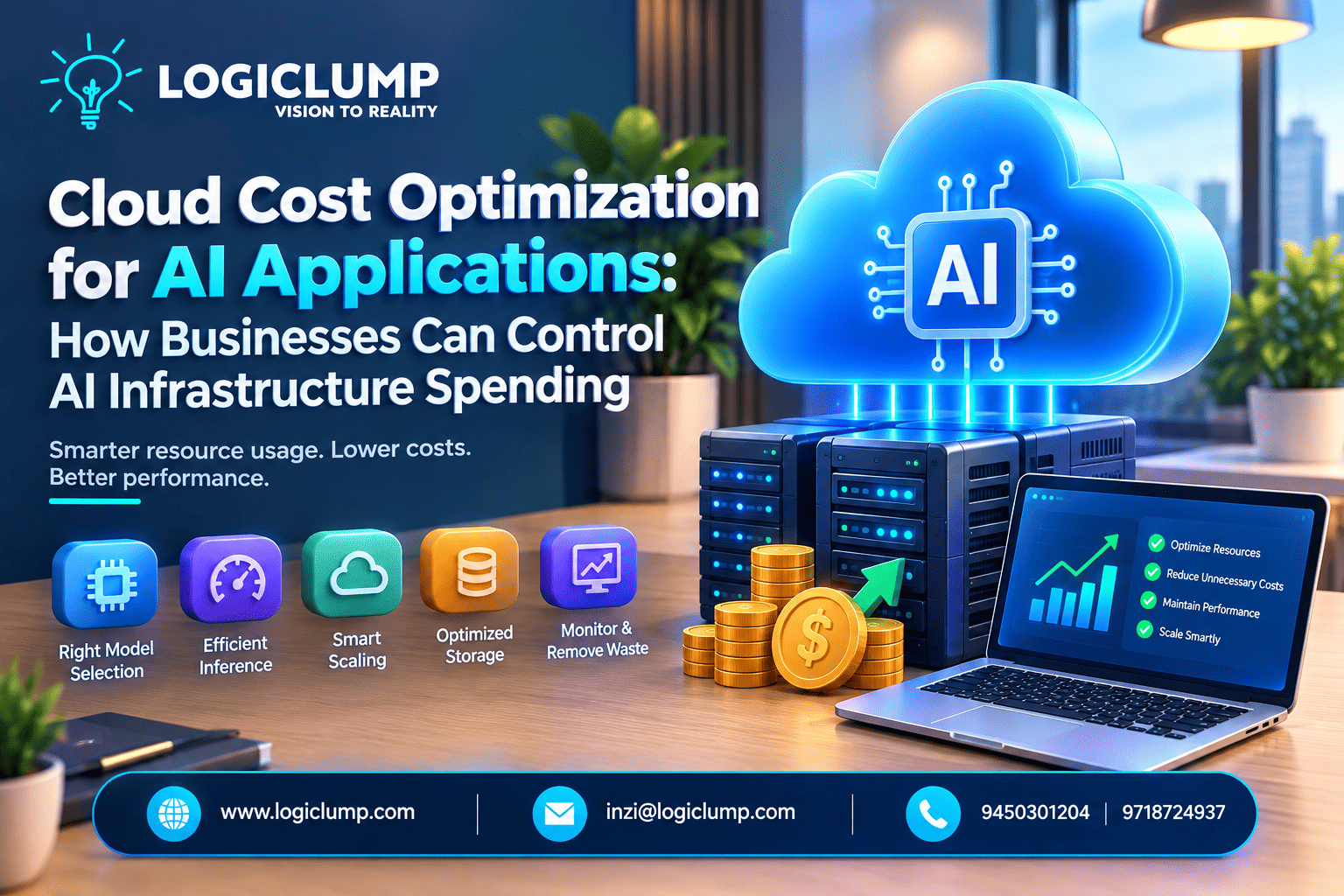
Cloud Cost Optimization for AI Applications: How Businesses Can Control AI Infrastructure Spending
Artificial intelligence is becoming an important part of modern business technology. Organizations are using AI to automate repetitive tasks, improve customer support, analyze data, generate content, personalize experiences, and streamline business operations.
However, adopting AI also introduces an important challenge: managing the cost of the infrastructure required to run AI applications.
AI workloads can require substantial computing power, storage, memory, networking, and specialized hardware. As an AI application gains users and processes more requests, cloud expenses can increase rapidly if resources are not managed efficiently.
This is why cloud cost optimization for AI applications should be considered an important part of AI development and deployment.
For businesses, the objective is not simply to spend less. It is to make sure cloud resources are being used efficiently while maintaining the performance, reliability, scalability, and quality that users expect.
What Is Cloud Cost Optimization for AI Applications?
Cloud cost optimization refers to managing cloud infrastructure in a way that minimizes unnecessary expenditure while providing the resources an application actually needs.
For AI applications, this can include decisions about:
- Selecting an appropriate AI model
- Managing CPU and GPU resources
- Scaling infrastructure according to demand
- Reducing unnecessary AI requests
- Optimizing model inference
- Managing cloud storage
- Monitoring application usage
- Removing unused infrastructure
- Choosing suitable cloud pricing options
- Designing applications with efficiency in mind
In simple terms, AI cloud cost optimization means getting the required results without wasting computing resources.
Why AI Applications Can Become Expensive
AI systems can have different infrastructure requirements compared with conventional web and mobile applications.
GPU and Specialized Hardware
Some AI workloads require GPUs or other specialized processors. These resources can provide the computing performance required by demanding AI tasks, but they can also represent a significant infrastructure expense.
If specialized resources remain active when they are not being used, businesses may pay for capacity they do not actually need.
High Inference Volume
AI models consume computing resources whenever they process requests.
A small application may generate relatively few requests. But once an application reaches thousands or millions of interactions, the cost associated with individual requests can become substantial.
Large AI Models
More capable models can require additional computational resources.
Using a highly resource-intensive model for every request may therefore increase costs unnecessarily when simpler tasks could be handled by smaller or more efficient models.
Data Storage
AI applications can generate and store large amounts of information, including datasets, documents, embeddings, logs, model files, images, and temporary processing data.
Without a suitable storage strategy, these resources can gradually increase monthly cloud expenses.
Always-Running Resources
Development, testing, and experimental environments can sometimes remain active continuously.
Unused virtual machines, databases, GPUs, and other resources can continue generating costs even when they provide no current business value.
10 Ways Businesses Can Optimize AI Cloud Costs
1. Select the Right Model for Each Task
Not every AI task needs the same level of model capability.
Simple classification, extraction, summarization, or routine processing may be suitable for a lightweight model, while more complex reasoning may require a more advanced model.
Businesses can implement model-routing strategies that select an appropriate model based on the complexity of each request.
For example:
- Basic requests → lightweight model
- Moderate tasks → mid-range model
- Complex tasks → advanced model
This can help businesses avoid using expensive AI resources for tasks that do not require them.
2. Reduce Unnecessary AI Requests
An AI model does not need to be involved in every step of an application workflow.
Developers can identify situations where an answer could instead come from:
- A database
- Existing application data
- A cached response
- A predefined rule
- A traditional software function
Reducing unnecessary model calls can lower resource consumption while also improving application response times.
3. Improve AI Inference Efficiency
Inference efficiency becomes increasingly important as application traffic grows.
Depending on the workload, businesses can explore techniques such as:
- Request batching
- Response caching
- Prompt optimization
- Smaller model variants
- Efficient model-serving infrastructure
- Asynchronous processing
- Appropriate hardware selection
Even small improvements can become meaningful when an application processes a large number of AI requests.
4. Scale Infrastructure With Demand
AI workloads can change throughout the day.
An application might experience high usage during business hours and much lower activity overnight.
Autoscaling allows cloud infrastructure to adjust according to workload requirements.
When demand increases, additional capacity can be provisioned. When demand falls, unnecessary resources can be reduced.
This can be particularly useful for AI applications with fluctuating traffic.
5. Manage GPU Resources Carefully
GPU usage should be monitored closely when specialized hardware is part of an AI architecture.
Teams can regularly review:
- GPU utilization
- Idle GPU instances
- Processing workloads
- Development environments
- Model-serving capacity
- Workloads that can operate on CPUs
Non-production environments can also be scheduled to shut down outside working hours when appropriate.
6. Use Caching Strategically
Repeated requests can lead to unnecessary model processing.
For example, if an application frequently receives similar requests for information that does not change often, generating a new response every time may not be necessary.
Caching appropriate results can reduce model calls, processing requirements, and response latency.
A well-designed caching strategy can therefore contribute to both cost efficiency and application performance.
7. Create a Data Lifecycle Strategy
AI applications can accumulate data quickly.
Businesses should determine how long different types of information need to remain readily accessible.
Frequently accessed information can remain in high-performance storage, while older or less frequently used data may be moved to lower-cost storage options.
Temporary files and unnecessary data can also be automatically removed according to defined retention policies.
This helps prevent storage costs from increasing simply because data continues accumulating.
8. Monitor AI Infrastructure Costs
Cloud cost optimization requires visibility.
Businesses should monitor both technical and financial metrics, such as:
- AI requests
- Cost per request
- GPU utilization
- CPU utilization
- Model usage
- Token consumption
- Storage growth
- Data transfer
- Cost by environment
- Cost per active user
These measurements can help teams understand where infrastructure spending is coming from and identify areas that need attention.
9. Control Development and Testing Environments
AI development frequently involves experimentation.
Teams may create temporary servers, databases, GPU environments, model deployments, and storage resources while testing different approaches.
If these resources are not removed after experimentation, they can become a recurring source of unnecessary spending.
Organizations can use:
- Automatic shutdown schedules
- Resource expiration policies
- Smaller development instances
- Spending alerts
- Automated cleanup processes
- Separate development and production environments
These practices allow developers to experiment while keeping infrastructure under control.
10. Design AI Applications With Cost Efficiency in Mind
Cost optimization should not be something businesses consider only after receiving an unexpectedly large cloud bill.
It should be included during application architecture and development.
Before implementing an AI feature, development teams can ask:
- Does this feature actually require AI?
- Could a smaller model perform the task?
- Can results be cached?
- Can some processing happen asynchronously?
- Does this service need to run continuously?
- How will infrastructure requirements change as users increase?
Addressing these questions early can help prevent inefficient architecture from becoming difficult and expensive to change later.
Cost Optimization Should Not Come at the Expense of Quality
Reducing infrastructure costs is important, but cost should not be the only consideration.
For example, reducing computing resources too aggressively may result in slower response times or reduced reliability. Similarly, using a less capable AI model for every task could lower operational costs while affecting output quality.
Businesses should therefore consider:
Cost + Performance + Reliability + Business Value
The objective is to create an AI architecture that delivers appropriate performance while avoiding unnecessary resource consumption.
Building a Cost-Efficient AI Architecture
A cost-conscious AI architecture can incorporate optimization at multiple levels.
Application Layer
Reduce unnecessary AI requests and reuse existing information whenever practical.
Model Layer
Use models according to task complexity instead of sending every request to the same model.
Compute Layer
Right-size infrastructure and scale resources according to workload requirements.
Storage Layer
Organize data based on access frequency, importance, and retention requirements.
Monitoring Layer
Track AI usage, infrastructure consumption, and application-level costs.
Management Layer
Establish budgets, alerts, ownership, and regular infrastructure reviews.
Together, these practices can make AI infrastructure easier to manage as an application grows.
Understanding AI Costs Through FinOps
FinOps, or cloud financial management, encourages collaboration between technical, financial, and business teams when managing cloud expenditure.
For AI applications, organizations can go beyond tracking their total cloud bill and measure costs against specific business activities.
For example:
- Cost per customer interaction
- Cost per processed document
- Cost per generated report
- Cost per transaction
- Cost per active user
These measurements can help organizations understand how infrastructure expenditure relates to actual application usage.
How LogiClump Can Help Businesses Build Efficient AI Applications
For businesses planning to develop or scale AI-powered software, having the right technology partner can make infrastructure decisions easier to manage.
LogiClump provides technology and software development solutions designed to help businesses build, modernize, and scale digital applications.
When developing an AI-powered application, a development team can consider infrastructure efficiency from the early architecture stage rather than attempting to optimize costs after deployment.
This can include evaluating application architecture, cloud resources, AI workflows, scalability requirements, and performance considerations based on the specific business use case.
Whether a business is planning a new AI application or looking to improve an existing system, a structured approach to development and cloud infrastructure can help create a more sustainable technology environment.
A Practical Example of AI Cost Optimization
Consider a company operating an AI-powered customer-support platform.
Initially, every customer message is processed by the same advanced AI model.
As the number of customers grows, the volume of AI requests increases, resulting in higher infrastructure expenditure.
The company could redesign the workflow by:
- Identifying simple customer questions.
- Using a knowledge base for frequently requested information.
- Routing straightforward requests to a smaller model.
- Reserving advanced models for complex conversations.
- Caching suitable repeated responses.
- Scaling computing resources according to demand.
- Automatically shutting down unused development infrastructure.
- Tracking the cost of individual customer interactions.
This approach allows the company to continue using AI while making infrastructure consumption more deliberate.
Common AI Cloud Cost Management Mistakes
Using High-Capacity Resources for Everything
Large infrastructure is not always necessary for every workload.
Ignoring Idle Infrastructure
Unused servers, GPUs, databases, and storage can continue generating charges.
Treating Every AI Request the Same
Different tasks may have very different computational requirements.
Keeping All Data in Expensive Storage
Older information may not require the same storage performance as frequently accessed data.
Waiting Until Costs Become a Problem
Cloud efficiency is easier to manage when it is considered during the design and development stages.
Looking Only at the Total Cloud Bill
A total bill shows expenditure, but detailed metrics are needed to understand what is driving that expenditure.
Key Metrics Businesses Should Track
| Metric | Purpose |
|---|---|
| AI requests | Measures workload volume |
| Cost per request | Helps evaluate AI efficiency |
| GPU utilization | Identifies unused capacity |
| CPU utilization | Helps with resource sizing |
| Token consumption | Shows model usage |
| Storage growth | Tracks increasing data costs |
| Data transfer | Helps identify networking expenses |
| Cost by environment | Separates production and development spending |
| Cost per user | Connects infrastructure spending with application usage |
Regular monitoring can help businesses identify inefficiencies before they become significant cost problems.
The Future of AI Cloud Cost Optimization
As AI becomes increasingly integrated into business applications, infrastructure efficiency will become an important part of software engineering and cloud management.
Businesses are likely to place greater emphasis on:
- Automated resource allocation
- Dynamic model selection
- Efficient model serving
- Intelligent workload scheduling
- Smaller specialized models
- Real-time cost monitoring
- Usage-based infrastructure
- More efficient AI hardware
The question for organizations will increasingly be not just whether they can deploy AI, but whether they can operate AI applications efficiently as usage grows.
Conclusion
AI can create significant opportunities for businesses, but infrastructure spending needs to be considered alongside AI adoption.
Cloud cost optimization involves the entire AI technology stack—from model selection and inference to compute resources, storage, scaling, monitoring, and application architecture.
By reducing unnecessary workloads, selecting resources based on actual requirements, automating infrastructure management, and tracking meaningful cost metrics, businesses can create AI applications that are more efficient and easier to scale.
For organizations developing AI-powered products, cost efficiency should be part of the development strategy from the beginning.
With the right architecture and ongoing monitoring, businesses can make better use of their cloud resources while continuing to deliver reliable AI-powered experiences.
Build Smarter AI Solutions With LogiClump
Looking to develop or optimize an AI-powered application? LogiClump can help you turn your technology requirements into scalable digital solutions.
🌐 Website: www.logiclump.com
📧 Email: inzi@logiclump.com
📞 Contact: 9450301204 | 9718724937
Build. Automate. Elevate.
Learn how businesses can optimize cloud costs for AI applications with smarter infrastructure, efficient resource management, scaling, and cost-control strategies from LogiClump.
Tom Cruise